Hourly sales
Hourly sales
The Hourly Sales Report presents sales data segmented by each hourly time slot throughout the day.
It displays the number of invoices and total sales amount per hour using a bar graph and a detailed list below.
This report enables businesses to identify peak and low-performing hours to optimize staffing and sales strategies.
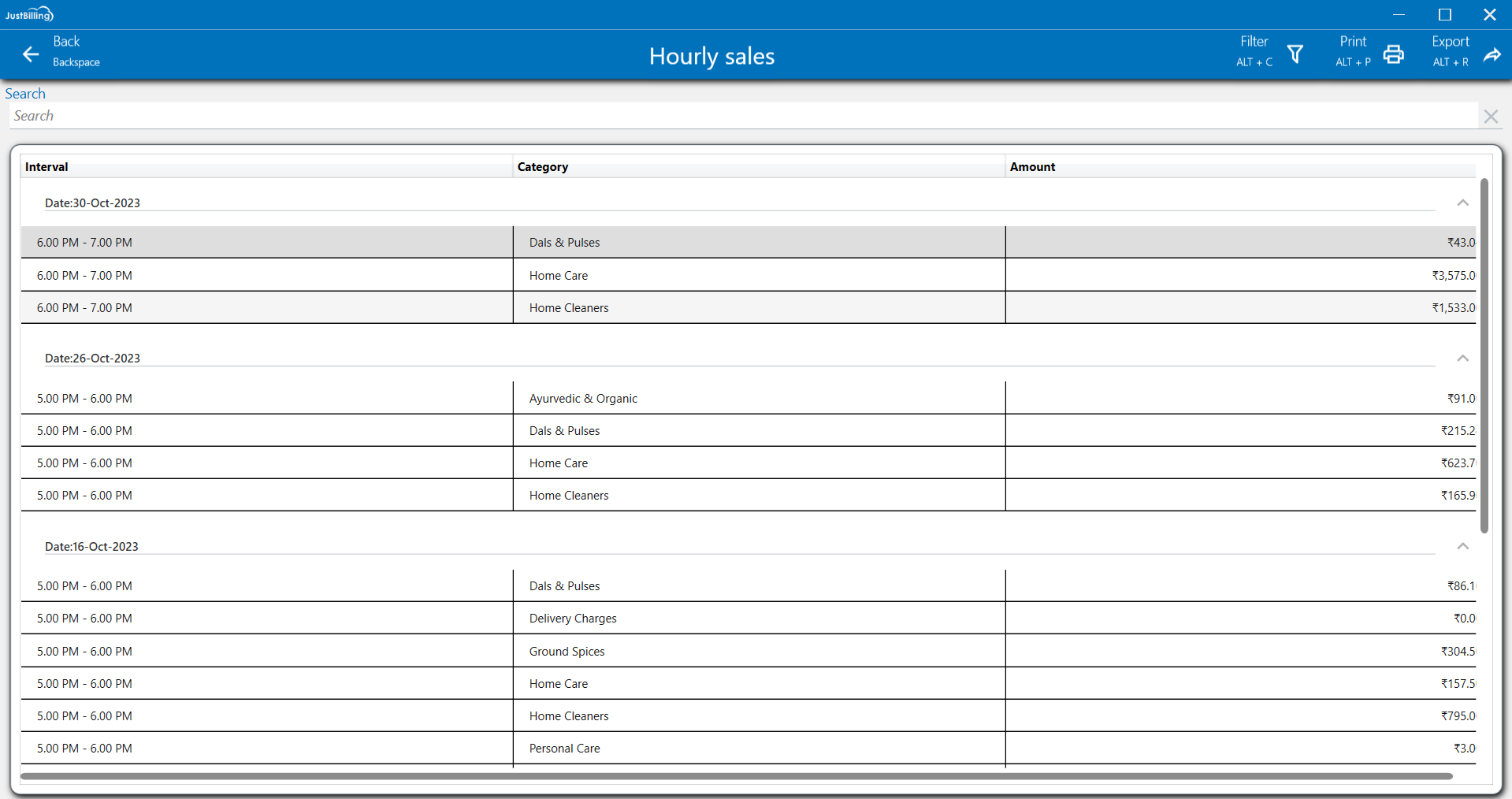
(Figure 1 - Hourly sales Report)
Customize layout: You can customize the layout by expanding column sizes and moving columns to your preferred order and right click on the column to get personalized options.(See figure below)
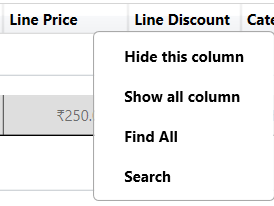
(Figure 2 -Customize layout)
Filter: To refine the report view, click on the Filter option located in the top-right corner of the screen. You can then select a particular date range to narrow down the displayed data. This functionality allows you to focus on a specific period, making it easier to analyze and find the transactions you need.
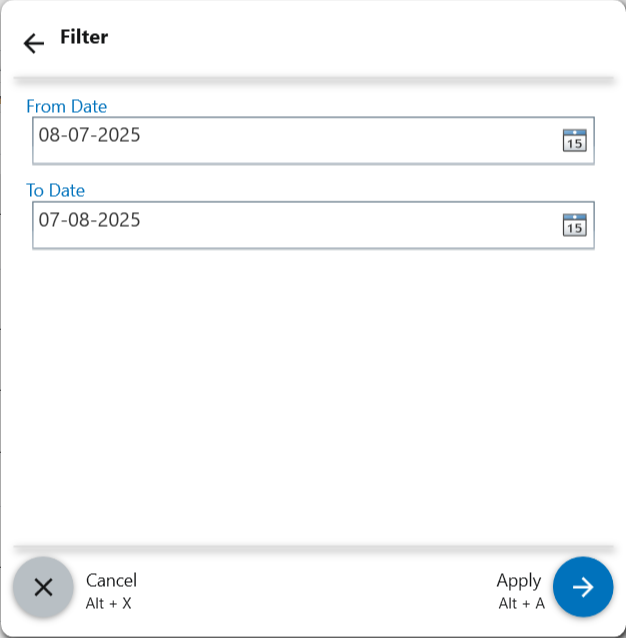
(Figure 3 - Filter report data)
Print: Click on the Print option to create a physical copy of this detailed report.
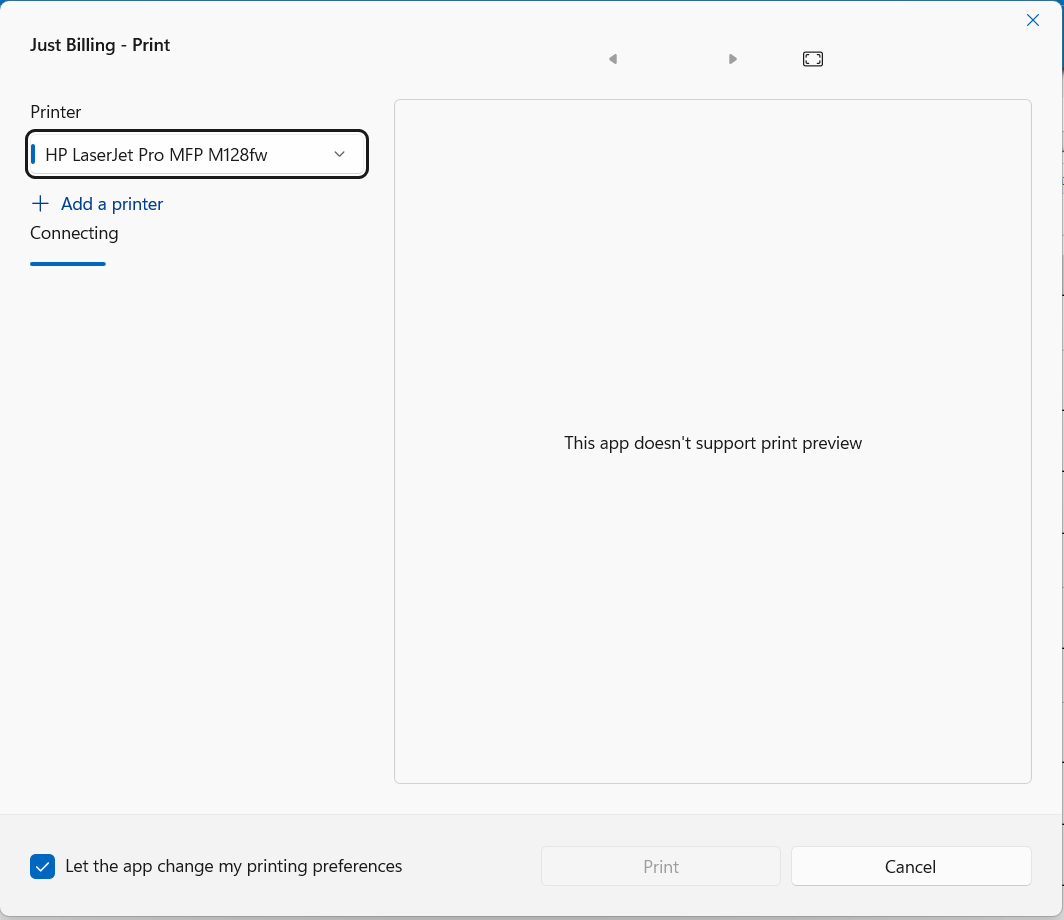
(Figure 4 - Print Report)
Export: To save the report, click the Export option. You can then choose to export the data to an Excel file or as a PDF document for easy sharing.
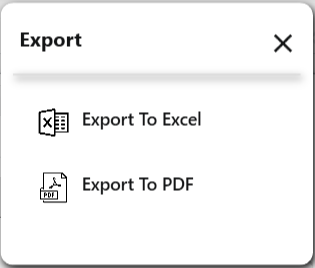
(Figure 5 - Export Report)