Complimentary sales by quantity
Complimentary sales by quantity
This "Complementary Sales" report shows details of products given as complimentary items, like "Almond choco milk" and "Alicot." For each item, you can see its specific "Product Code" and the "Quantity" provided. This report helps you track inventory given away for promotional or other purposes.
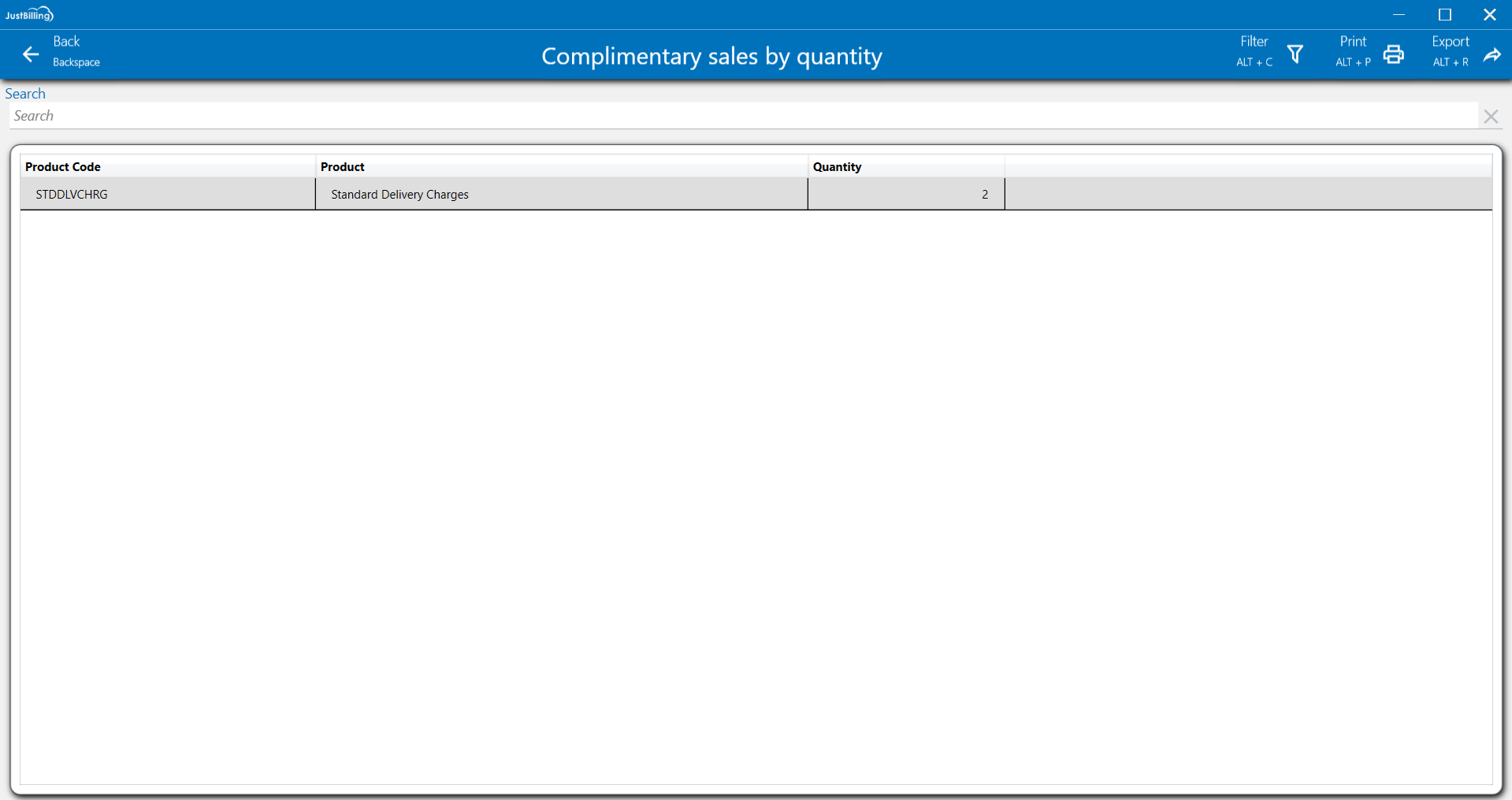
(Figure 1 - Complimentary sales by Quantity Report)
In this report users can see a list of all products which has been given to the customers as a complimentary basis.
Customize layout: You can customize the layout by expanding column sizes and moving columns to your preferred order and right click on the column to get personalized options.(See figure below)
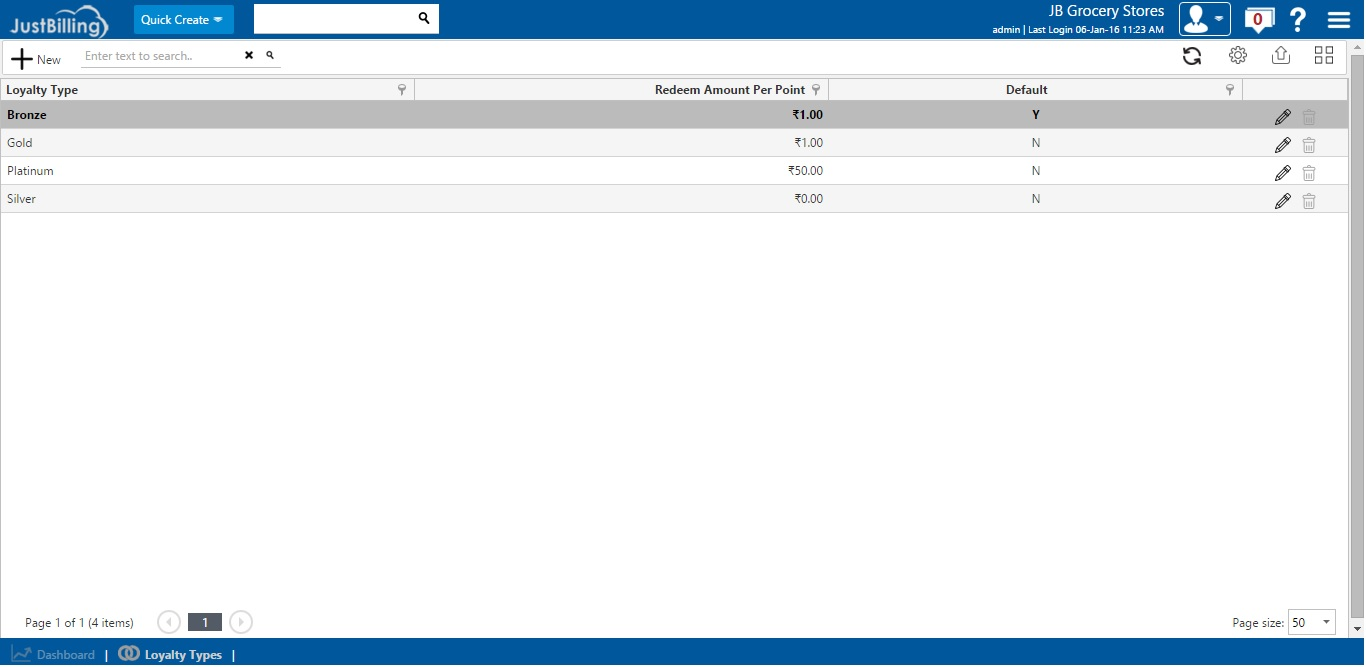
(Figure 2 -Customize layout)
Filter: To refine the report view, click on the Filter option located in the top-right corner of the screen. You can then select a particular date range to narrow down the displayed data. This functionality allows you to focus on a specific period, making it easier to analyze and find the transactions you need.
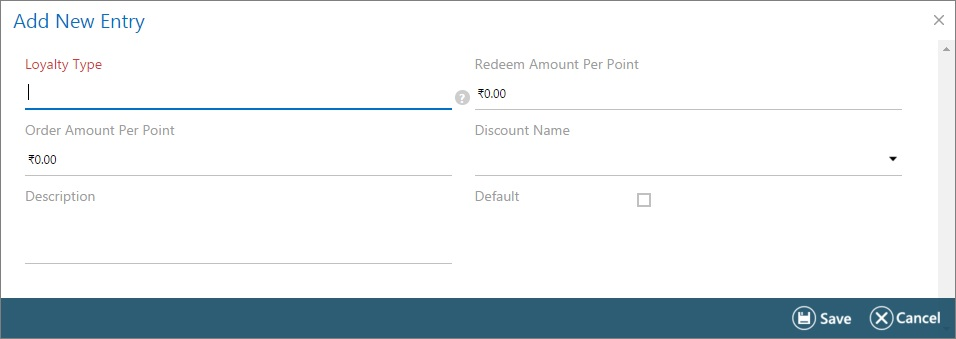
(Figure 3 - Filter report data)
Print: Click on the Print option to create a physical copy of this detailed report.
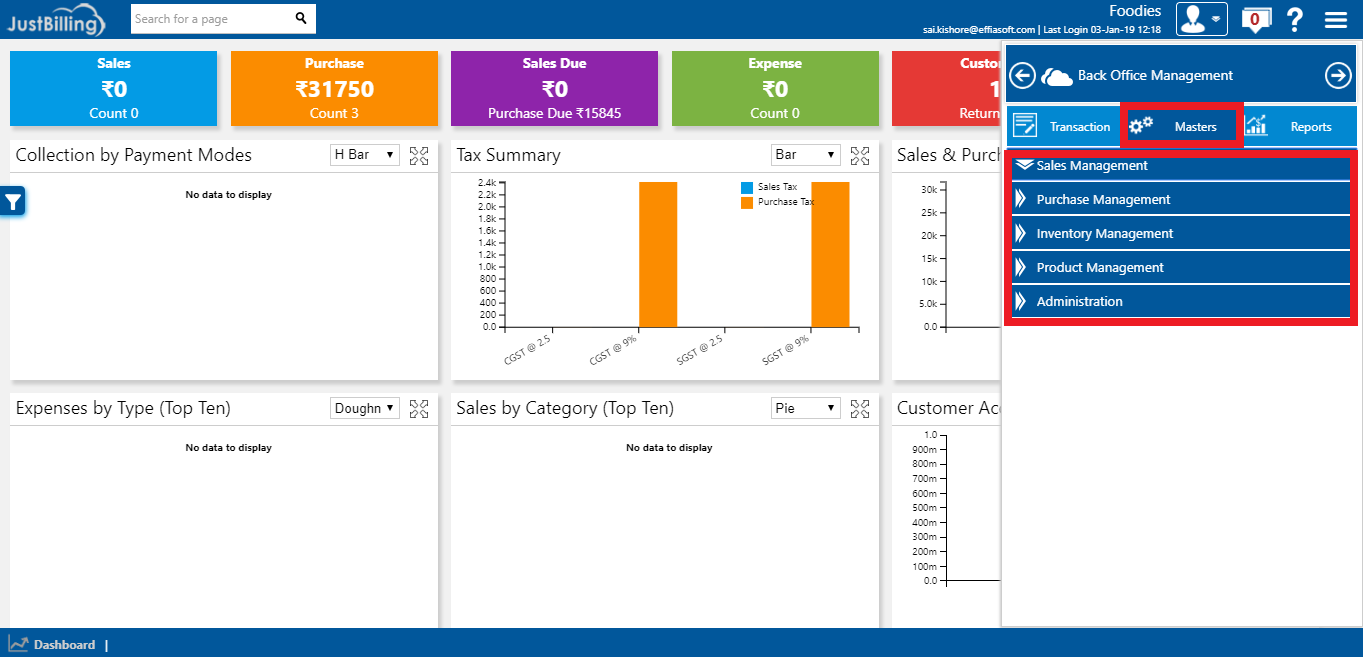
(Figure 4 - Print Report)
Export: To save the report, click the Export option. You can then choose to export the data to an Excel file or as a PDF document for easy sharing.
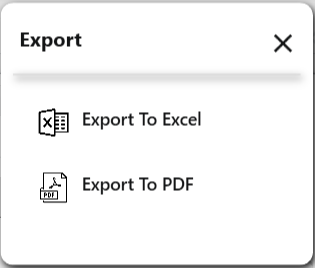
(Figure 5 - Export Report)